
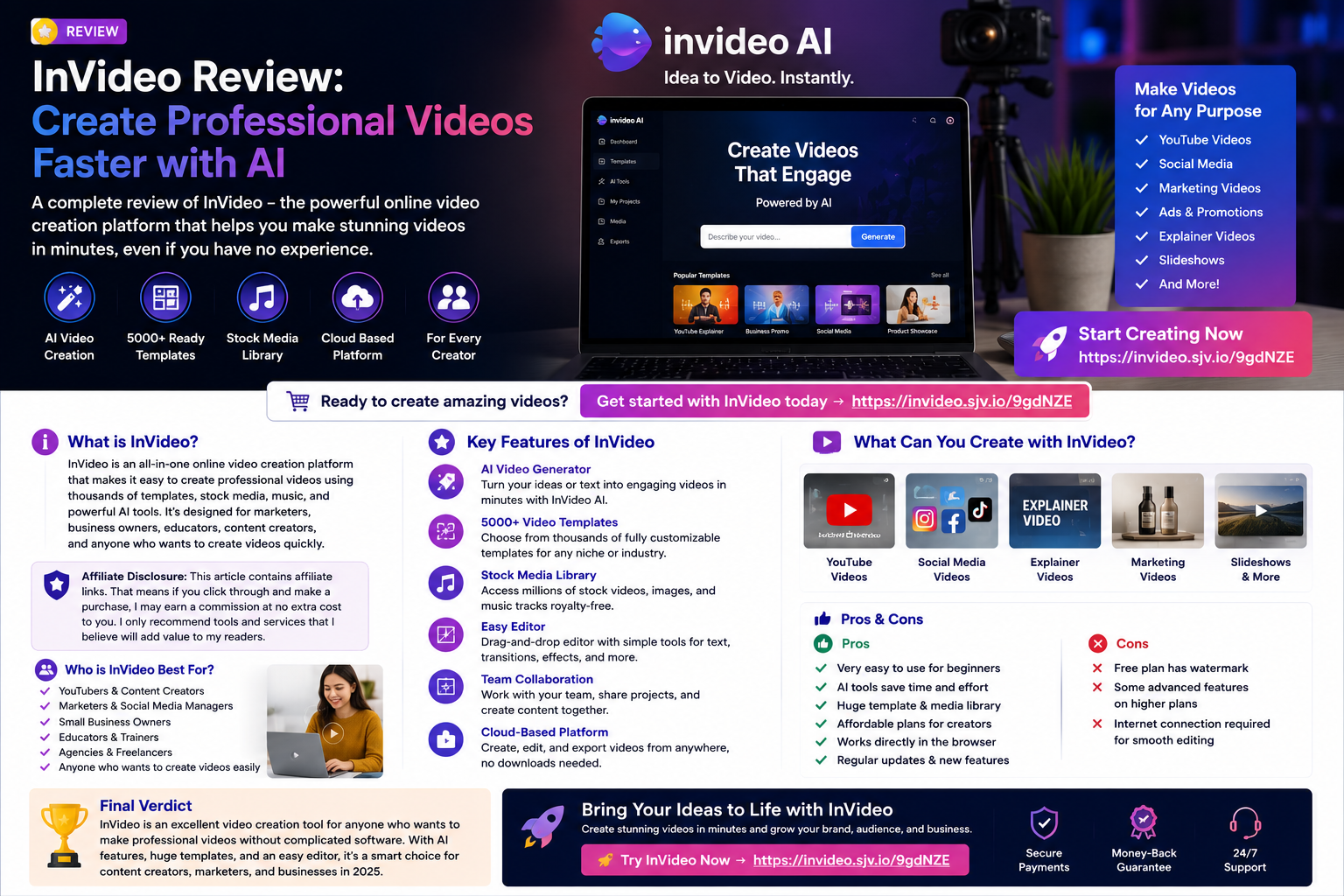
Affiliate Disclosure: This article contains affiliate links. That means if you click through and make a purchase, I may earn a commission at no extra cost to you. I only recommend tools and services that may be useful for content creators, bloggers, marketers and business owners.
Creating professional videos used to require editing experience, expensive software and a lot of time. Today, AI video tools make the process much easier, especially for creators who need content for YouTube, TikTok, Instagram, ads, product demos, tutorials and business marketing.
InVideo, also known as invideo AI, is an online AI video creation platform that can generate videos from text prompts. Its AI video generator can write scripts, add visuals, include voiceovers, generate subtitles, add music and create publish-ready videos from a simple idea.
Start creating videos with InVideo here
What Is InVideo?
InVideo is an online video creation platform designed to help users create and edit videos without needing traditional editing experience. The platform includes tools for AI video generation, AI avatars, text-to-video, image-to-video, UGC-style ads, AI animation, subtitles, voice cloning, video translation and more.
One of its biggest advantages is that it works directly in the browser, so you do not need to download software to generate videos. InVideo states that its AI video generator works across popular browsers and devices, from mobile to desktop.
Who Is InVideo Best For?
InVideo is a strong option for:
Content creators,
YouTubers,
TikTok creators,
Instagram marketers,
Bloggers,
Affiliate marketers,
Small business owners,
Coaches and consultants,
Online course creators,
Agencies and freelancers,
It is especially useful if you want to create video content faster without learning complicated editing software.
Key InVideo Features
1. AI Video Generator
InVideo’s AI video generator lets you type your video idea, add details such as length, platform and voiceover accent, then generate a video based on your prompt.
This is helpful for creators who need quick video drafts, social media content, explainer videos, product videos or marketing clips.
2. AI Scripts, Voiceovers and Subtitles
The platform can generate scripts, add AI-generated visuals, include human-sounding AI voiceovers and create subtitles. InVideo says its voiceovers are available in over 50 languages.
This makes it useful for creators who want to produce videos without recording their own voice every time.
3. Text-Prompt Editing
InVideo also supports AI-powered editing using text commands. You can use the Magic Box to request changes such as deleting scenes, changing voiceover accents or adding an intro.
This makes editing more beginner-friendly because you can describe the change you want instead of manually adjusting every detail.
4. Stock Media Library
InVideo’s AI video generator uses stock images and videos to build content from your prompt, and the site states that it can search through 16 million+ stock images and videos when generating videos.
This is useful for marketers, bloggers and business owners who need visuals but do not have their own video footage.
5. AI Models and Creative Tools
InVideo’s pricing page states that paid plans include access to 200+ image, video, audio and music models, including video and audio generation models. Paid plans also include access to the invideo v4 agent and stock providers such as iStock and Storyblocks.
Because AI model access and pricing can change, always check the latest plan details before subscribing.
Can You Use InVideo for Free?
Yes, InVideo has a free option. Its help centre says you can use invideo AI for free without entering card details, but the free plan has limited access to AI models and exports include the InVideo logo. It also notes that free-plan videos include InVideo and stock media watermarks, while watermarks can be removed by upgrading to a paid plan.
This makes the free plan useful for testing the platform before deciding whether to upgrade.
InVideo Pricing
InVideo pricing depends on the plan, usage and credit structure. The pricing page explains that credits work like platform currency and are used for video creation, generative models and AI features. InVideo also states that unused credits do not roll over to the next month and that model and agent prices may change.
Before subscribing, check:
Introductory price,
Monthly or annual billing,
Credit limits,
Watermark rules,
Stock media access,
Export limits,
Voice cloning or AI model access,
Commercial usage terms,
Check the latest InVideo offer here
Pros and Cons of InVideo
Pros
InVideo is beginner-friendly, browser-based and useful for creating videos from text prompts. It can help generate scripts, visuals, voiceovers, subtitles, music and transitions, which can save time compared with starting from a blank timeline.
It is also useful for people who create regular social media content, marketing videos, explainer videos, product videos and short-form content.
Cons
The free plan includes watermarks, and some AI features depend on credits or paid-plan access. Pricing, credits and model costs can also change, so it is important to review the latest pricing page before buying.
Is InVideo Good for Bloggers and Affiliate Marketers?
Yes, InVideo can be a useful tool for bloggers and affiliate marketers who want to repurpose written content into video. You can turn blog post ideas into YouTube videos, product reviews, short social clips, tutorials, promotional videos or faceless content.
For affiliate marketers, video can help increase trust because viewers can see product explanations, comparisons and demonstrations in a more engaging format.
Final Verdict: Is InVideo Worth It?
InVideo is worth considering if you want a faster and easier way to create videos using AI. It is especially useful for creators, marketers, bloggers and small businesses that need regular video content but do not want to spend hours editing from scratch.
The free plan is useful for testing the platform, while paid plans may be better if you want watermark-free exports and broader AI model access.