
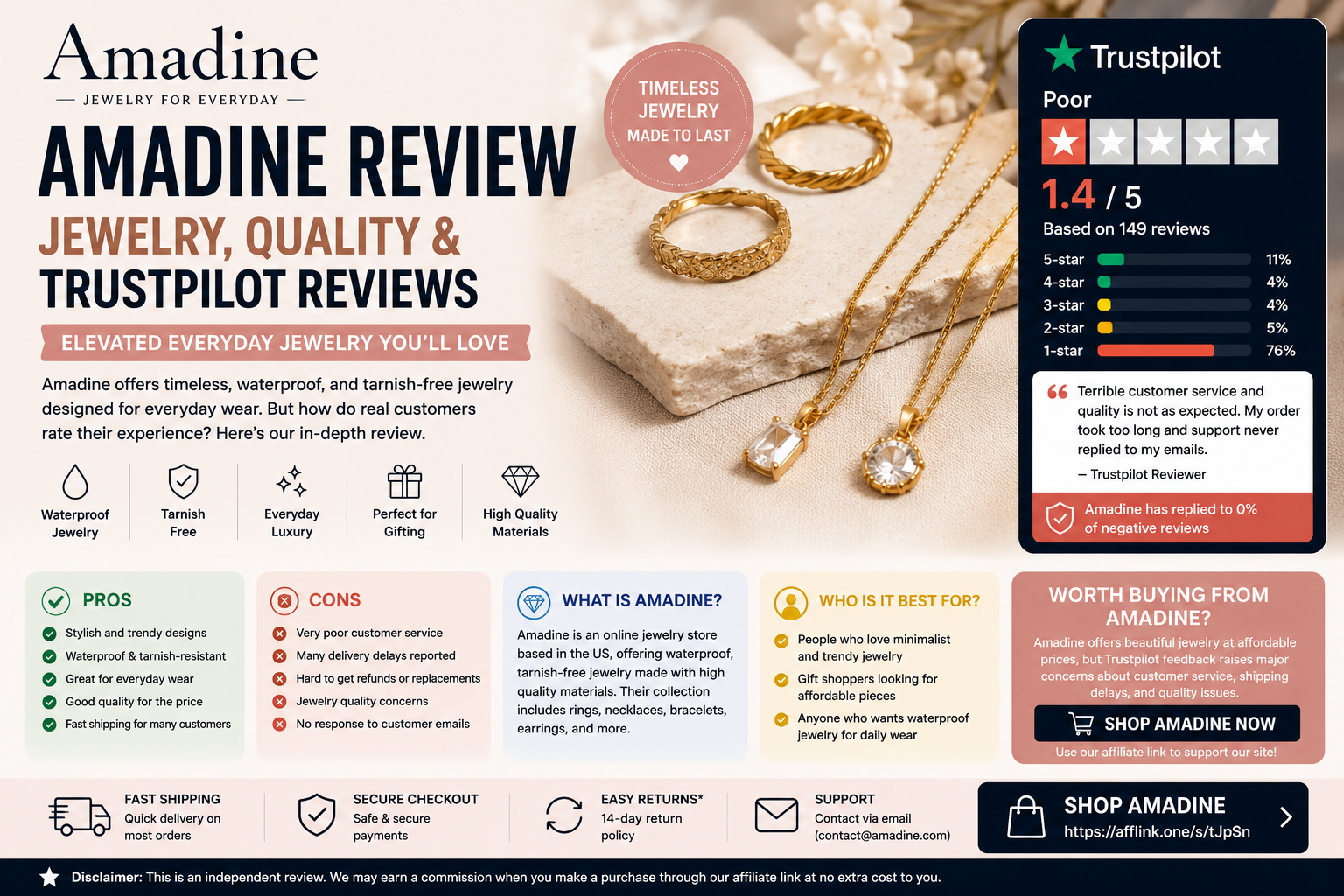
Affiliate Disclosure: This article contains affiliate links. If you buy through our link, we may earn a commission at no extra cost to you. Our reviews are written to help readers compare tools before purchasing.
Amadine Review: Quick Verdict
Amadine is a vector graphic design app made for Mac, iPad, and iPhone. It is built for designers, illustrators, creatives, students, marketers, and small business owners who want a simpler alternative to heavier design tools. Amadine promotes itself as “the ultimate vector graphics software for Mac, iPad and iPhone,” with a lifetime license available for the Mac version.
Our verdict: Amadine is worth considering if you use Apple devices and want an affordable, easy-to-use vector design app for logos, illustrations, icons, UI elements, print projects, web graphics, and branding work. However, I could not verify an official Trustpilot profile for Amadine.com at the time checked, so this review should not claim a Trustpilot rating.
ViceRanker Rating: 4.1/5
Best for: Mac, iPad, and iPhone users who need vector design software
Use with caution for: Windows users, Android users, advanced Adobe Illustrator-style workflows, and buyers expecting a large Trustpilot review history
Try Amadine
What Is Amadine?
Amadine is a vector design and illustration app developed for Apple devices. The software is available for macOS, iPadOS, and iOS, and it supports creative work such as posters, flyers, brochures, book illustrations, web illustrations, lettering, web banners, UI elements, logos, brand identity, packaging design, charts, and graphs.
The app is designed to be easier to learn than many professional design tools. Amadine highlights its intuitive user interface, vector drawing tools, rounded corners, recolor features, Fusion Tool, Apple Pencil support, CMYK/RGB support, iCloud support, and Apple Silicon support.
Trustpilot Reviews: What Customers Say
At the time checked, I could not verify a public official Trustpilot profile for Amadine.com. Because of that, I would not recommend stating a Trustpilot star rating in your blog post unless you later find and verify an official Trustpilot page.
For public third-party review signals, G2 currently lists Amadine at 4.7/5 from 14 reviews, with users commonly praising ease of use and the intuitive interface. Capterra UK shows a small review sample, including a 5-star review from a graphic designer who liked the clean interface and cross-device support, while noting slower support and some missing tools.
ViceRanker note: Since Trustpilot data is not verified, position this as an Amadine review with “third-party review signals” rather than a Trustpilot-based review.
Key Features of Amadine
1. Vector Design Tools
Amadine is made for vector-based creative work. Users can create illustrations, icons, logos, UI designs, branding assets, posters, brochures, and web graphics. The platform supports SVG and PDF exports, with TIFF, PNG, and JPEG export also available.
2. Mac, iPad and iPhone Support
One of Amadine’s biggest strengths is its Apple ecosystem support. The app works across Mac, iPad, and iPhone, making it useful for users who want to design on desktop and continue on mobile or tablet.
3. Apple Pencil Support
For iPad users, Apple Pencil support is a major benefit. This makes Amadine useful for sketching, drawing, lettering, and illustration work while staying within a vector workflow.
4. Fusion Tool and Rounded Corners
Amadine includes a Fusion Tool for creating complex shapes by merging contours and lines. It also includes rounded corner controls, allowing users to soften shapes and create more natural vector forms.
5. Recolor Feature
The Recolor feature lets users change colors across an entire design quickly. This is helpful for branding work, logo variations, social media graphics, and theme testing.
Pros and Cons
Pros
Amadine is easy to understand, especially compared with more complex vector tools. It is ideal for Apple users who want a clean interface, Apple Pencil support, SVG/PDF export, and one-time purchase options instead of a heavy subscription model.
The software also receives positive feedback on G2, where users praise its ease of use and intuitive design.
Cons
Amadine is mainly focused on the Apple ecosystem, so it is not the best choice for Windows users. It may also feel limited for advanced professionals who rely on deep Adobe Illustrator workflows, plugin ecosystems, or complex agency-level production tools.
The other caution is review visibility. I could not verify an official Trustpilot profile for Amadine.com, so buyers should check App Store, G2, Capterra, and recent user feedback before purchasing.
Is Amadine Worth It?
Amadine is worth considering if you want affordable vector design software for Mac, iPad, or iPhone. It is especially useful for beginners, freelancers, students, creators, and designers who want a lighter alternative to more expensive or complex design platforms.
It may not be ideal if you need Windows support, advanced print production tools, large-team collaboration, or a mature enterprise design workflow.
Final Verdict
Amadine is a strong vector design tool for Apple users who want an intuitive, flexible, and affordable app for illustration, branding, UI graphics, and creative projects. It stands out because of its Mac, iPad, and iPhone support, Apple Pencil compatibility, SVG/PDF export, and lifetime license option for Mac.
Final Rating: 4.1/5
Best use: Vector design, illustration, logos, web graphics, icons, and creative projects on Apple devices.
Biggest warning: Do not claim a Trustpilot rating unless an official Amadine.com Trustpilot profile is verified.